
Working on these docs
The site is VitePress under docs/, built and deployed by .github/workflows/build-docs.yml.
Running it
cd docs
pnpm install
pnpm dev # http://localhost:5173/pnpm build # what CI runs
pnpm preview # serve what it builtpnpm build fails on a dead internal link, which is the point: a page moved without its inbound links moving is a red build rather than a 404 somebody finds later.
The layout
docs/
├── .vitepress/config.mts     nav, sidebars, everything
├── index.md                  the home page
├── tutorials/                six, in order, each a whole piece of work
├── guide/                    one page per feature, answering "how do I use this?"
├── features/                 one page: what humanize does, described
├── reference/                CLI, TUI, and the Python API
├── contributing/             this
├── public/                   served at the site root: logo.svg, tui.svg, demo/*.gif, demo/*.png
└── tapes/                    the VHS scripts the demos are rendered from
Four kinds of page, and a page that is two of them is two pages.
| Tutorials | learning | Taken in order, start to finish, with every command written out. A reader following one is not choosing anything; they are being led. Six of them, and adding a seventh means arguing that one of the six should go. |
| Guides | doing | "How do I use X?" One feature each. Opens with a ## Try it section short enough to paste, then explains the rest. A reader here has a job and knows what they want. |
| Features | understanding | One page, describing what there is. Nothing here explains how; every entry points at a guide. |
| Reference | looking up | Complete and dry. Every flag, key, argument and return. A reader here already knows what they are looking for. |
That split is the Diátaxis one, and the reason the docs were reorganised: everything used to be in Guide, which made a reader with a job read a tutorial and a reader learning read a feature page.
Writing a page
- Links are written from the site root, without the extension:
/guide/afk. VitePress checks them at build time. - Assets in
public/are referenced from the root withoutpublic: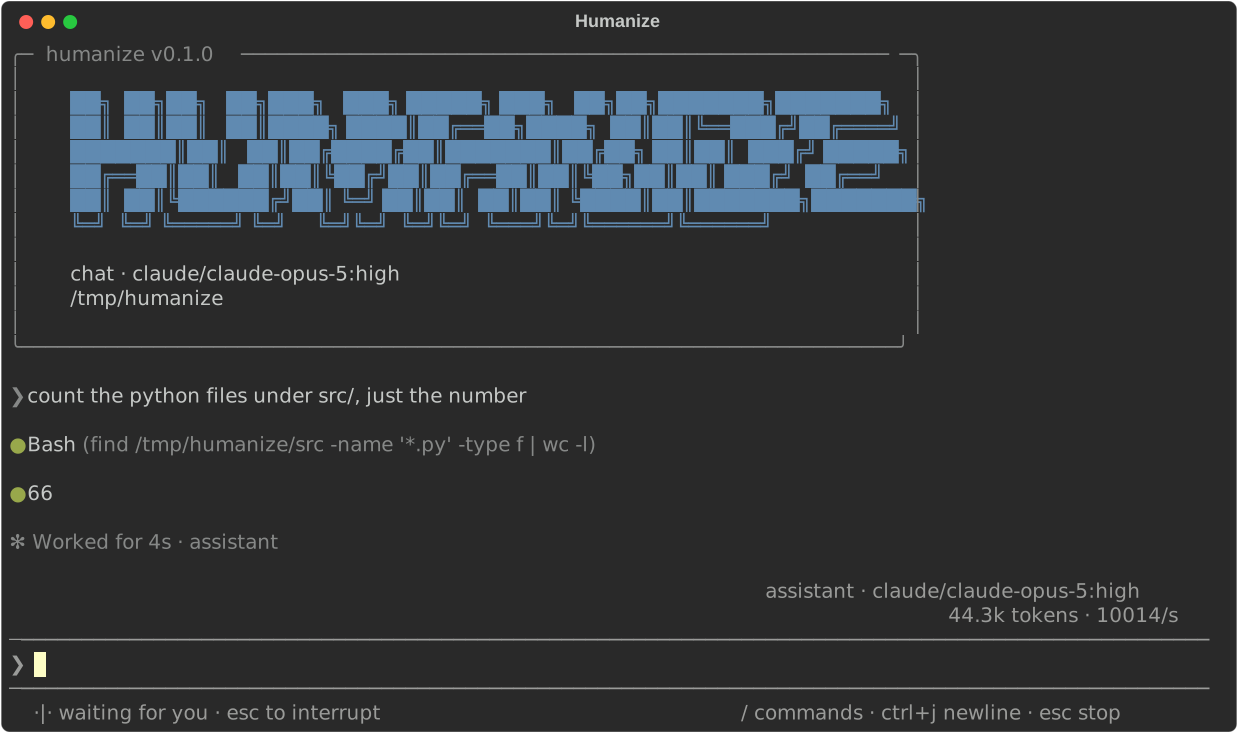. - Do not add a
## Table of Contents. The right-hand outline is generated. - The first
#heading is the page title. - Wrap prose at 95 columns, as the rest of the repository does.
- A guide opens with two or three sentences under the title saying what the feature is and when you would reach for it, then a
## Try it. A tutorial opens with how long it takes and what the reader will have at the end.
Adding a page means adding it to sidebar in .vitepress/config.mts; it will not appear otherwise.
The terminal demos
The GIFs under docs/public/demo/ are rendered by VHS from the .tape scripts beside them, in a container built for the purpose.
docs/tapes/render.sh              # every tape
docs/tapes/render.sh tui.tape     # one of them
It needs docker and nothing else. The first run builds the image, which takes a couple of minutes; after that a tape is a few seconds.
A demo must not record anything private
Every tape runs inside the container, in a scratch HOME, in a throwaway project, against a stand-in coding agent CLI — never your account, never your machine, never a real credential.
Concretely:
- The prompt is VHS's own
>. No user, no host, no path in it. - Every tape starts
cd /work/demo, and the only homes that appear are the container's/root/.humanizeand/root/.claude. - No provider is ever signed in:
hmz providers addis only ever recorded with--no-login, an account made in the interface is only ever made by a way that runs nothing, and the values are obviously invalid —gateway.example.invalid,not-a-real-token,not-a-real-key. - No turn is ever run.
/opt/standin/claudeand/opt/standin/codexexist so that humanize offers those backends; both exit 1 if anything actually calls them. - What the
collectdemo reads, and the runs/cycleslists, are whatstage.pyinvented.
If you add a tape, look at the rendered GIF before committing it. Frame by frame is worth it:
docker run --rm -v "$PWD/docs/public/demo:/out" -v /tmp/frames:/frames \
    --entrypoint ffmpeg humanize-vhs \
    -i /out/tui.gif -vf 'select=not(mod(n\,20))' -vsync 0 /frames/tui_%02d.png
Keep them small — check-added-large-files refuses anything over 500 KB, render.sh refuses anything over 450 KB, and a doc page with a two-megabyte GIF on it is a doc page nobody waits for. It is the file that is bounded rather than the clock: what the current tapes are written against is Width 1000, Height between 500 and 620, Framerate between 10 and 20 — the slower for a tape that is mostly a menu being read — and the Set TypingSpeed/Sleep values already in them, which run 8 to 20 seconds end to end.
The deploy
.github/workflows/build-docs.yml builds on every push and pull request that touches docs/, and deploys to GitHub Pages on a push to main. It is served at docs.humanfia.ai, which is a custom domain and so is the site's own root: the config sets no base, and docs/public/CNAME is what keeps the domain on the artifact each deploy publishes. humanfia.github.io/humanize2 redirects here.
Serving it under a subdirectory again would mean setting base back — and a base that does not match where the site is served is a page whose every stylesheet, script and link asks for a path that is not there, which is a site that looks like unstyled markdown.
The other documentation
README.mdfollows standard-readme and must not explain how anything works. It links here.**/SPEC.mdbeside the packages are contracts. Do not modify one unless you were asked to.- Docstrings are Google style and are checked by
ruff.